
AUTHORIZED
TRAINING CENTER
As an authorized training partner of Kaspersky, 2B Academy delivers official ATC programs based on Kaspersky’s global training framework.
These courses are designed around real cybersecurity operations — focusing on how threats are detected, analyzed, and handled in actual environments, not just theory.
All ATC programs combine instructor-led sessions with hands-on labs and follow Kaspersky’s certified curriculum.
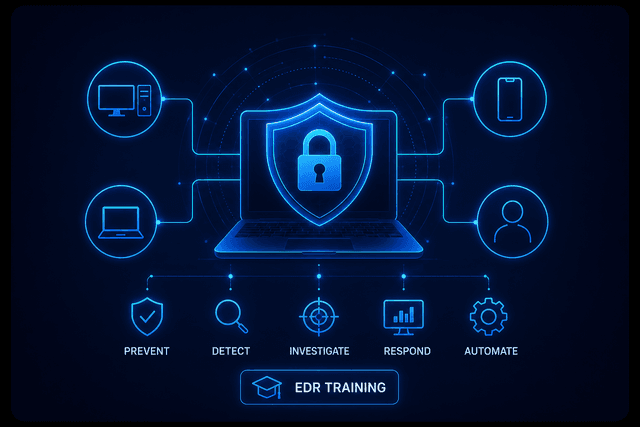
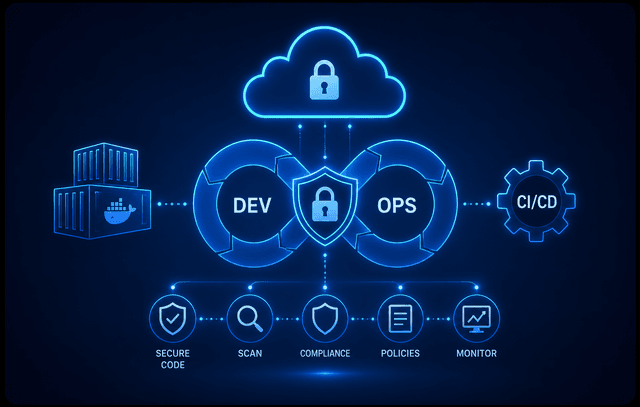


1. Endpoint Security & EDR Training
Kaspersky Endpoint Security for Business (Administration & Deployment)
Module 1: Introduction to Endpoint Security
- Overview of enterprise cybersecurity architecture
- Kaspersky Endpoint Security ecosystem
- Threat landscape (malware, ransomware, zero-day)
Module 2: Kaspersky Security Center (KSC) Setup
- Installation of Administration Server
- Architecture (Primary, Secondary servers)
- Console configuration (Web & MMC)
- Database & network configuration
Module 3: Deployment of Endpoint Security
- Remote installation of Kaspersky agents
- Manual vs automated deployment
- Managing endpoints (Windows/Linux)
- Grouping and structuring devices
Module 4: Policy & Task Management
- Creating and applying security policies
- Task scheduling and automation
- Role-based access control (RBAC)
- Centralized configuration
Module 5: Protection Technologies
- File Threat Protection
- Web Threat Protection
- Mail Threat Protection
- Behavior Detection & Exploit Prevention
Module 6: Security Controls
- Application Control (whitelisting/blacklisting)
- Device Control (USB, peripherals)
- Web Control (URL filtering)
- Firewall & Network protection
Module 7: Monitoring & Reporting
- Event monitoring & dashboards
- Alerts and notifications
- Report generation (custom & scheduled)
- SIEM integration basics
Module 8: Maintenance & Troubleshooting
- Backup & restore
- Updates & patching
- Log analysis
- Troubleshooting endpoints
Kaspersky Next EDR Foundations
Module 1: Deployment
- Kaspersky Security Center installation (Linux/Cloud)
- Endpoint deployment (Windows & Linux)
- Managed device structure creation
- Network architecture design
Module 2: Protection Management (Windows)
- File, Web, Mail protection configuration
- Anti-ransomware & exploit protection
- Network threat protection
- Behavioral detection
Module 3: Security Controls
- Application control
- Web access policies
- Device control
- Blocking unknown applications
Module 4: EDR Fundamentals
- Introduction to Endpoint Detection & Response
- Incident detection basics
- Root cause analysis
- Attack visualization
Module 5: Linux Protection
- Deployment on Linux systems
- Server protection policies
- Advanced Linux security configuration
- Command-line management
Module 6: Administration & Monitoring
- Dashboard customization
- Reporting & alerts
- Policy management
- Diagnostics & troubleshooting
Kaspersky Next EDR Optimum
Module 1: EDR Optimum Overview
- Advanced EDR architecture
- Threat visibility & telemetry
- Incident lifecycle
Module 2: Threat Detection & Investigation
- Indicator of Compromise (IoC) scanning
- Root cause analysis
- Threat hunting basics
- Attack chain visualization
Module 3: Incident Response
- Threat containment
- Host isolation
- Malware eradication
- Recovery strategies
Module 4: Vulnerability & Patch Management
- Vulnerability scanning
- Patch deployment (Windows & 3rd party apps)
- Risk prioritization
- Automated updates
Module 5: Cloud & Data Security
- Microsoft 365 security integration
- Cloud discovery (Shadow IT detection)
- Data discovery (sensitive data identification)
- Data-in-transit and data-at-rest protection
Module 6: Integration & Automation
- SIEM integration basics
- Automation of security workflows
- Security orchestration concepts